 Neom
NeomRecurring revenue, built into your store.
Customers pick a plan on the product page. Merchants manage every renewal from one admin. Everything runs on Shopify, with no extra checkout to maintain.
Everything a subscription store needs.
Set up plans, let customers subscribe, and keep renewals, changes and cancellations in one place.
Plans on products and variants
Create offers from the NEOM menu or from a recurring-purchase action on any product or variant. Existing offers keep their selling plans when edited.
Customisable widget
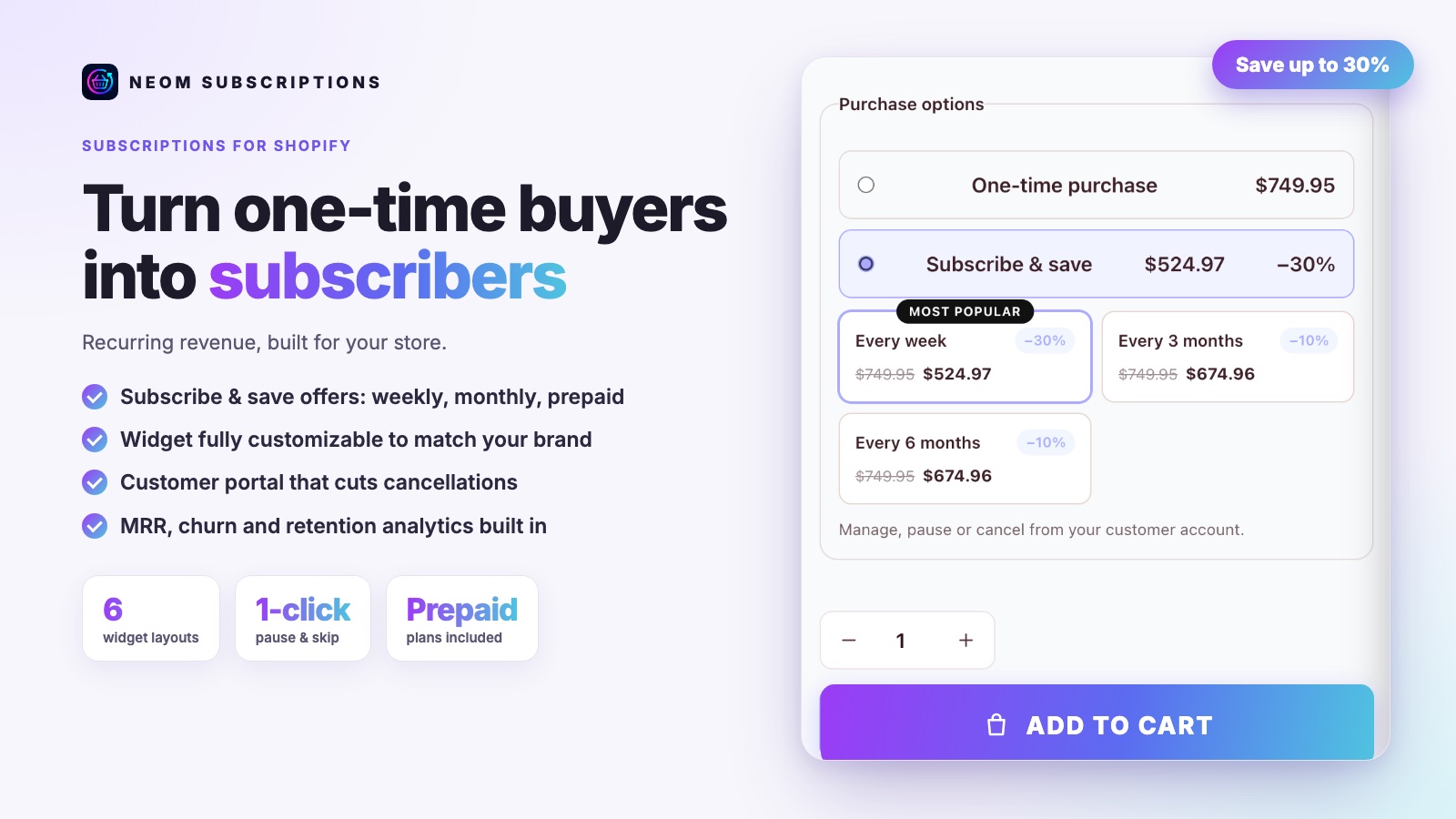
Add the subscription widget to the product template in the Online Store 2.0 editor. Choose the style, colour and labels. Recurring and prepaid prices are shown clearly.
Customer portal
Customers see their subscriptions in their account, change the next delivery, skip or postpone a renewal, and update their address or payment method.
Product swaps and frequency changes
Customers can change the frequency or swap a product. The new product is charged at its current catalogue price, so a previous discount is not carried over.
Renewal history
The last ten orders of each subscription are visible, so you and your customer see what was delivered and when.
French and English
The app and the customer portal are available in French and English, for merchants and their customers.
From plan to renewal in four steps.
Changes apply to the next renewal. Prepaid deliveries already paid keep their Shopify schedule.
- Step 1
Create the offer
Pick the products, the billing frequency and the prepaid options.
- Step 2
The customer subscribes
The widget sends the selling plan to the cart, so checkout stays native to Shopify.
- Step 3
Renewals run
Each renewal is charged by Shopify and tracked in the admin.
- Step 4
Customers stay in control
They skip, postpone, swap or cancel from the portal, and the app records every change.
Good to know.
Does it work with my theme?
It uses a theme block in the Online Store 2.0 editor. Add the NEOM subscription widget to your product template and choose its style.
How are payments handled?
Payments go through Shopify. The app creates the selling plans and reads the renewal state, so billing uses the same Shopify checkout as your store.
Are the emails sent by the app?
Order confirmation and payment-method update emails are sent by Shopify. Change and cancellation emails are not sent yet.
Is the app available in other languages?
Yes. The app and the customer portal are available in French and English.
Ready to sell by subscription?
Explore the other tools in the Neom stack.