 Neom
NeomOne more offer, right after the order.
A one-click upsell on the thank-you page. The customer has already paid, so accepting the offer needs no new payment details.
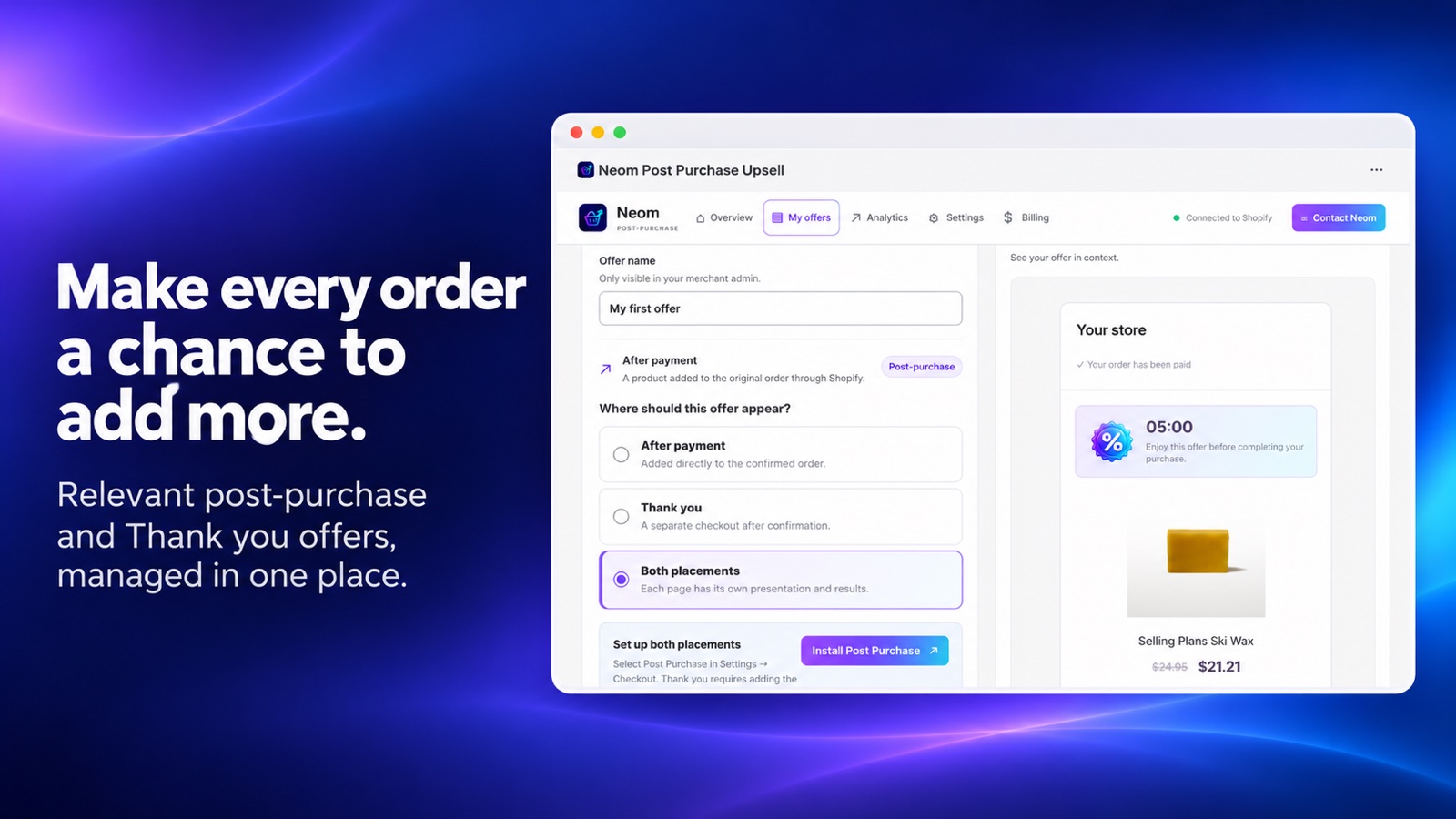
Offers, editor and results in one app.
Offer dashboard
See every offer in a list, with drafts, active offers and edits in one place.
Real Shopify catalogue
Search your products and variants, with live availability, and pick the offer item.
Discount or fixed amount
Offer a percentage or a fixed amount, targeted to a product, with the amount calculated by Shopify.
Editor with preview
Customise the texts and preview the offer on mobile and desktop, with the real checkout colours.
Native post-purchase extension
Shopify calculates the price. The customer accepts or declines, and repeated requests are blocked.
Impressions and acceptances
Impressions, acceptances and refusals are counted once, and estimated revenue is shown per offer.
Offer, accept, done.
The offer appears only after payment, so it never slows down the first purchase.
- Step 1
The customer pays
The first order completes as usual, in the checkout you already use.
- Step 2
The offer appears
The thank-you page shows the offer you configured for that order.
- Step 3
One click
The customer accepts or declines. An accepted offer is added to the order.
Start the second sale on every order.
Combine it with the cart upsell to cover the cart and the thank-you page.